


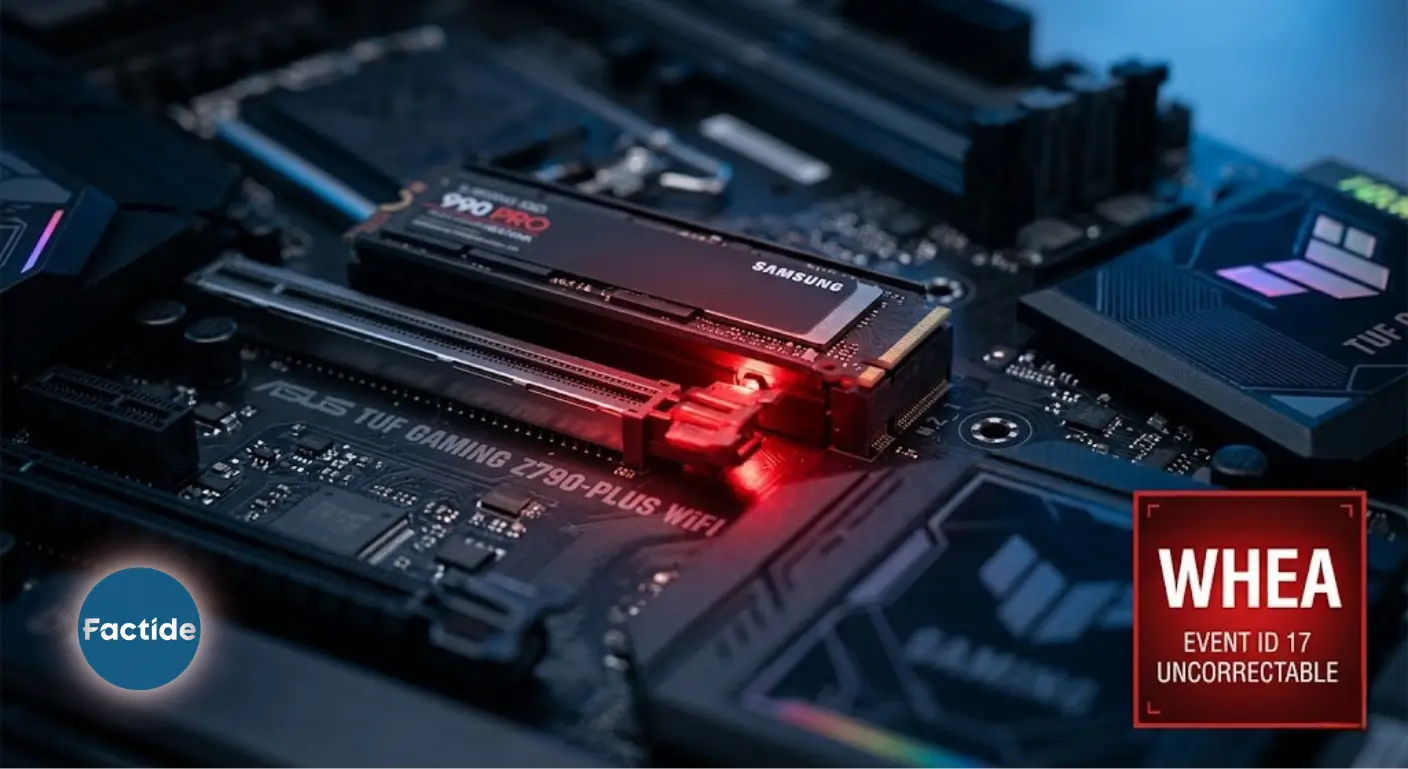
You buy the system, for which you saved up with great effort and paid a fortune, perhaps for rendering or perhaps for playing games. You turn on the system, everything seems normal, but a few hours later Windows suddenly welcomes you with a blue screen. When you open the Event Viewer, you see this error log: WHEA-Logger, Event ID 17. "Uncorrectable hardware error." Is the motherboard broken? The processor? Is the SSD dying? (Actually, where the error is is written in the log, it requires a little technical knowledge, but you can get support from artificial intelligence to solve it.)
Faced with this problem, the worst-case scenario naturally might come to your mind. However, do not panic and read how we solved the problem in our article.
System Specifications
- Motherboard: ASUS TUF Gaming Z790-Plus WiFi
- Processor: Intel Core i9-14900K (brand new after service replacement)
- RAM: Crucial Technology 2x16GB DDR5 5600MHz (DIMM A2 + B2)
- SSD (Problematic): Samsung SSD 990 Pro with Heatsink 1TB — M.2_1 slot
- GPU: NVIDIA 4060 TI 16GB
- Operating System: Windows 11
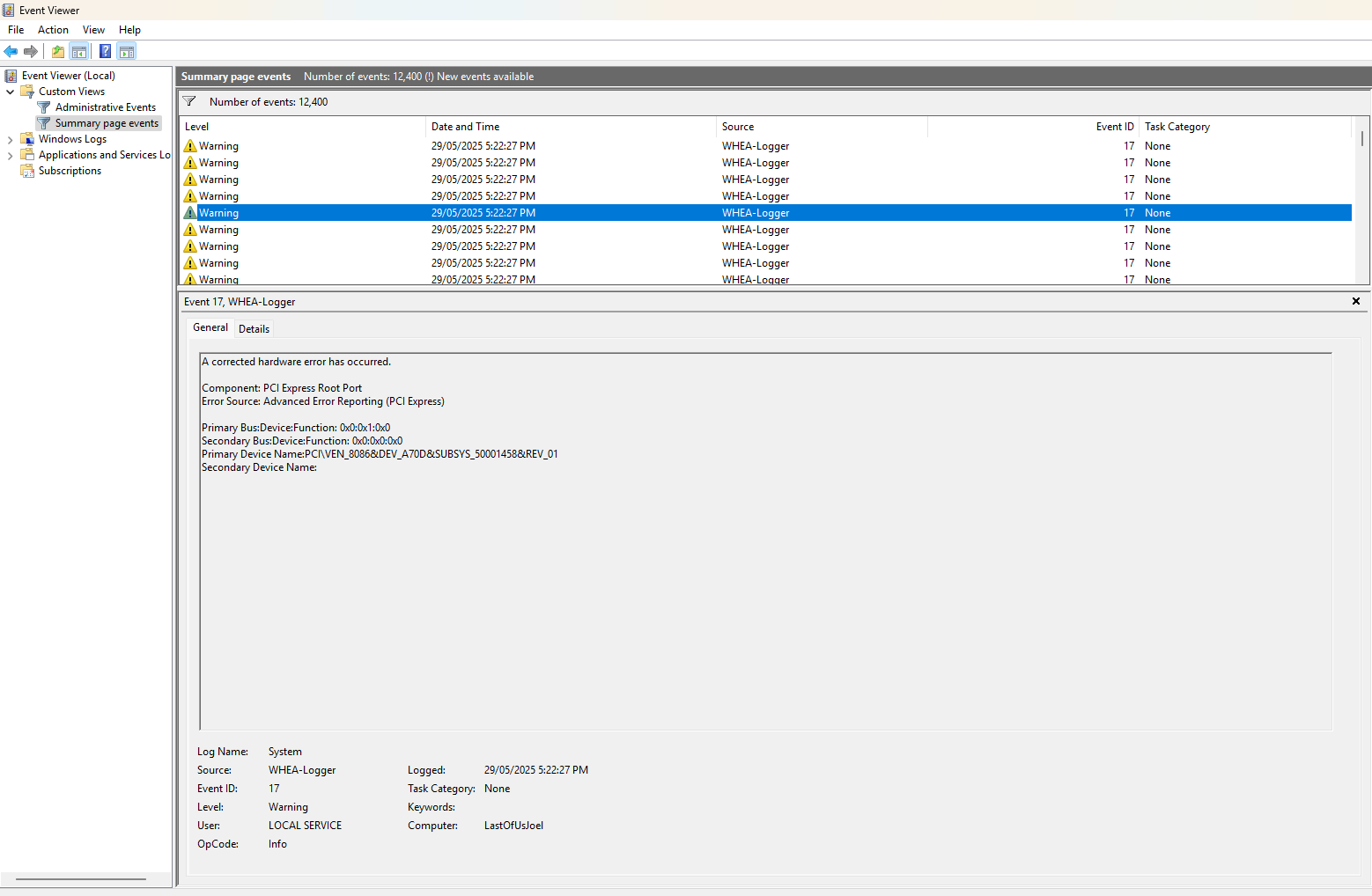
Getting to the Root of the Problem First Symptom: WHEA Logger Event ID 17 In the Windows Event Viewer, the following record was logged within minutes after the system started:
WHEA-Logger Event ID: 17 Component: PCI Express Root Port
Error Source: Advanced Error Reporting (PCI Express)
Primary Bus: 0x0:0x6:0x0
Primary Device Name: PCI\VEN_8086&DEV_A74D&SUBSYS_88821043&REV_01
Event ID 17 is a serious record that Windows classifies as an "uncorrectable hardware error." While ID 18 is corrected by the system itself, ID 17 requires intervention.
Blue Screen and System Crash: The error did not remain just a log record. The system would shut down giving a "Blue Screen" after an average of 2-3 hours of use.
Methods Tried:
1. M.2 Slot Change: The SSD was moved from the M.2_1 slot to the M.2_2 slot. The error continued.
2. Test with SATA Connection: The SSD was connected with a SATA adapter instead of M.2. The WHEA error disappeared completely. This test provided a critical clue: The problem was related to the SSD running in PCIe Gen 4 mode.
3. Windows Reinstallation: It was formatted, a clean Windows installation was done. The error came back again.
4. BIOS Update: The motherboard BIOS had been updated to the latest version due to it having an intel i9 processor.
5. M2 Test (The Most Critical Step): Two separate tests were performed:
- Z790 motherboard + a different Gen 3 SSD: No errors at all for 6 hours.
- A different motherboard with Gen 3 support + Samsung 990 Pro: No errors at all for 3 hours.
This result proved that the problem was not caused by a hardware failure; but by a specific incompatibility of the Samsung 990 Pro with the Z790 motherboard in PCIe Gen 4 mode.
The Real Solution: Firmware Update with Samsung Magician
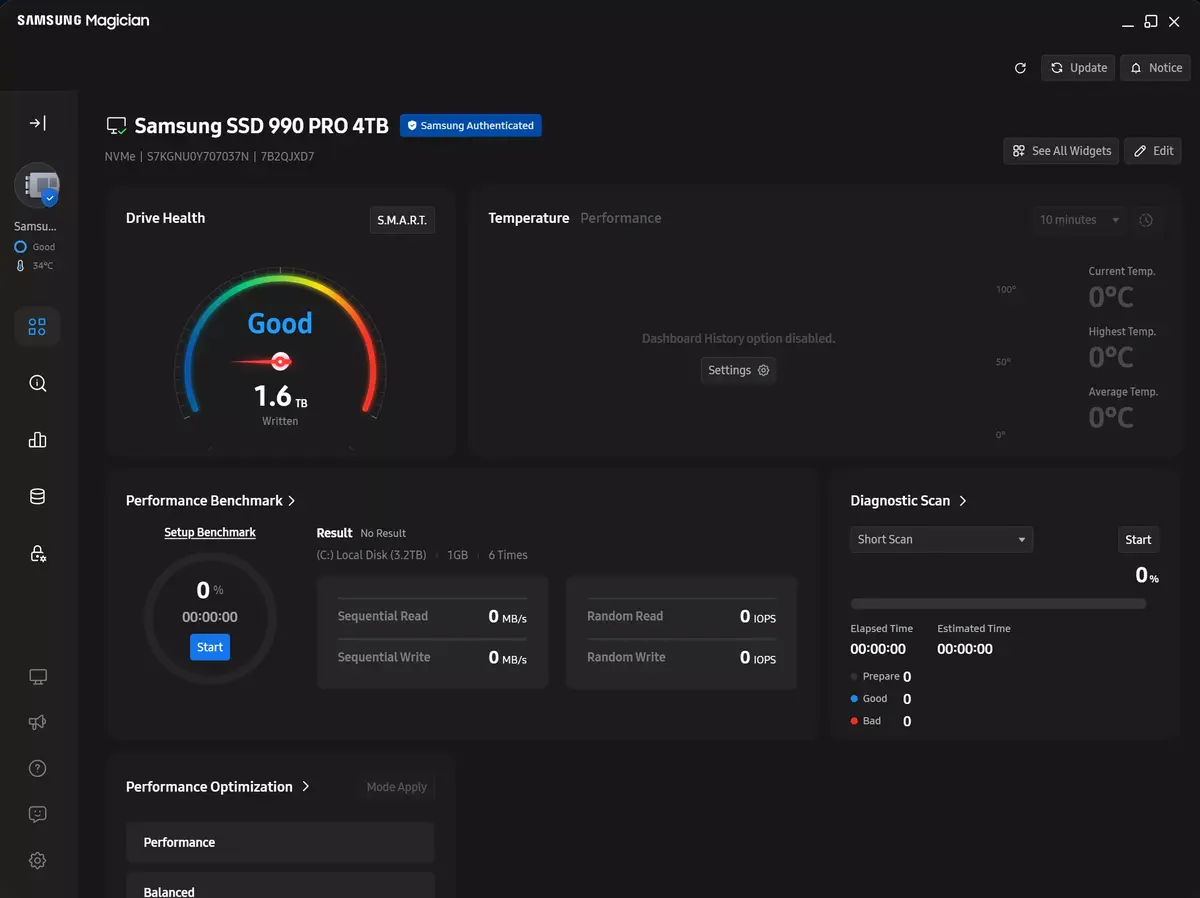
The Samsung 990 Pro series had a known firmware problem that experienced incompatibility with certain motherboards on a PCIe Gen 4 connection. Samsung had released an update for this problem, but the update does not come automatically, it needs to be applied manually. Steps applied:
- The Samsung Magician program was downloaded and installed.
- The current firmware version of the SSD was checked.
- The firmware update was applied via Magician.
- The system was restarted.
- After the update, the WHEA error never fell into the logs again.
Up to this point we thought we had solved the problem, however, while the steam application was downloading the game, it gave a blue screen again 1.5 hours later. Thinking that we did not experience problems with the Gen3 m2 ssd we used in our previous test, we completely solved the problem by dropping the Samsung 990 Pro model SSD from Gen4 mode to Gen3 in the motherboard's bios settings. The system was tested by playing games continuously for about 1 week and no errors were encountered.
Conclusion We did hours of tests, two formats, slot changes, and cross-hardware trials. After all these, the solution was a few minutes of a firmware update and setting it as Gen4 -> Gen3. It is worth remembering that without the systematic tests done to reach that firmware update, it would not have been possible to find the source of the problem.
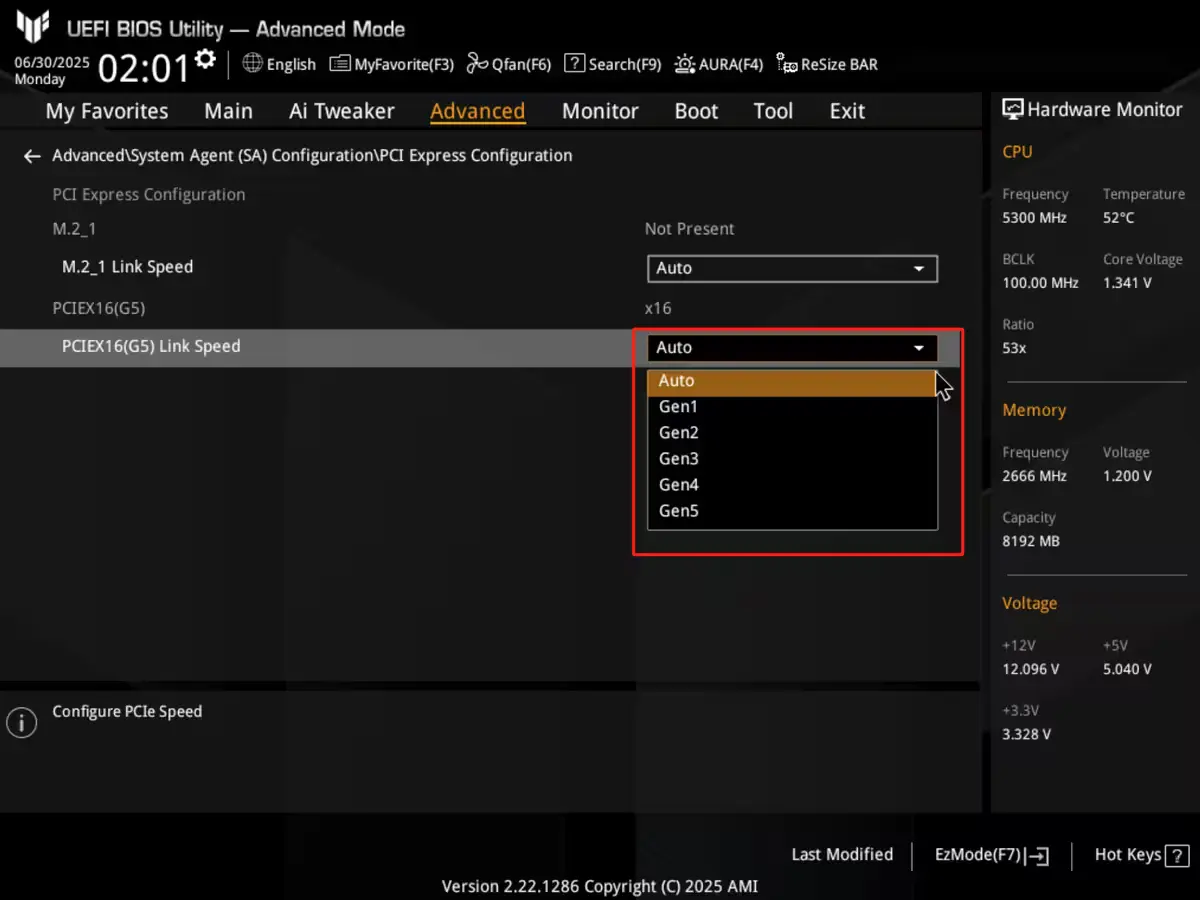
If you are also using a Samsung 990 Pro, have an Intel Z790-based motherboard, and are getting the WHEA Logger ID 17 error: first open Samsung Magician and check your firmware version. The answer to your problem is most likely waiting there. If the problem continues, you can solve the problem by changing the Gen4 setting to Gen3.
Hardware doesn't always break visibly. Sometimes it just waits to be updated.