



There's a phrase in the developer world that used to feel like an unbreakable law: Swift is for Apple. If you wanted iOS, you used Swift. If you wanted Android, you used Kotlin or Java. The two ecosystems ran on parallel tracks, separated not just by corporate rivalry but by the hard limits of programming languages and toolchains.
That law just changed.
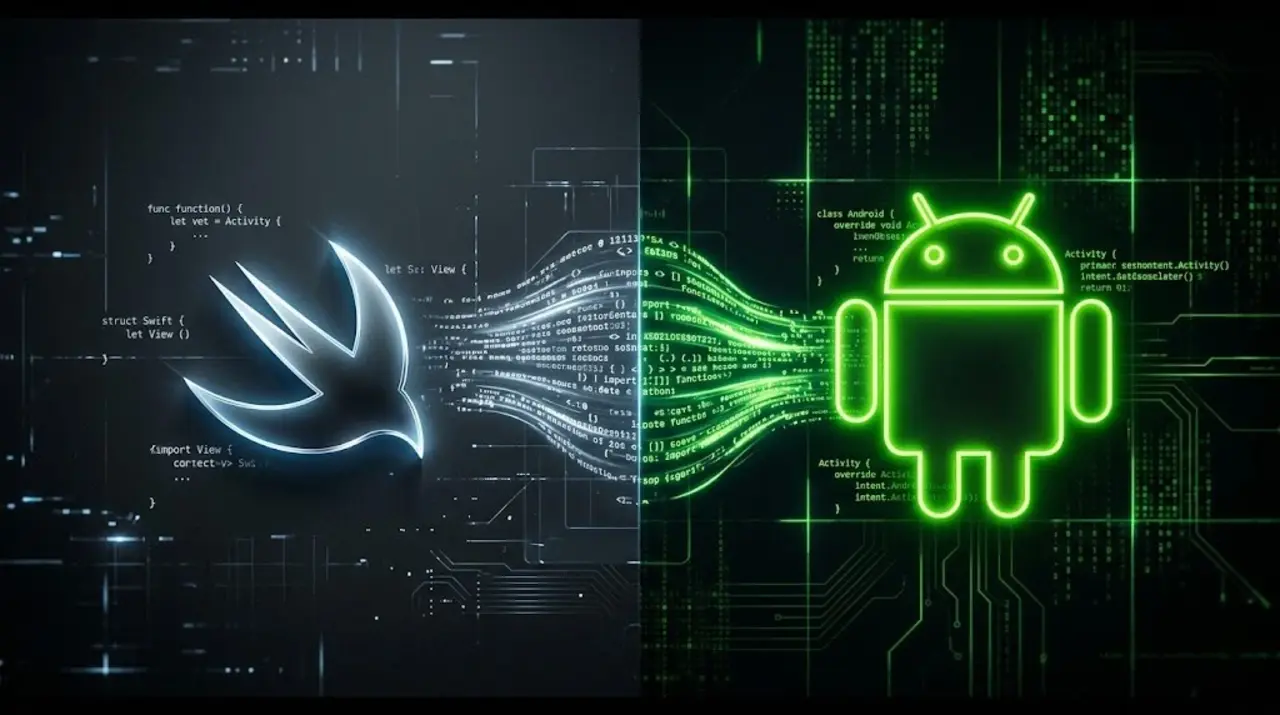
The Swift open-source project has officially released the Swift SDK for Android, making it possible — for the first time — to write Android applications using Swift. Published on the official Swift.org documentation platform and contributed by Marc Prud'hommeaux of Skip.dev, the release marks a landmark moment in the evolution of one of modern programming's most influential languages.
From Cupertino to the World
Swift's story is one of quiet, relentless expansion. When Apple first open-sourced the language in 2015, it was built specifically for Darwin-based systems — iOS, macOS, and Apple's wider platform ecosystem. Few would have predicted what came next.
Year by year, Swift grew beyond its origins. Linux support arrived. Then Windows. Embedded systems followed. Each milestone pushed Swift further from its Apple-only identity and closer to something genuinely cross-platform.
Android is the final frontier — and the biggest one. With over 70% of the global smartphone market running Google's operating system, Swift's arrival on Android isn't just a technical curiosity. It's a potential transformation of how mobile software gets built.
The Architecture: Three Pieces, One Toolchain
Getting Swift running on Android isn't magic — it's engineering. The process relies on cross-compilation: writing and building code on a desktop machine (the host), then producing binaries that run on an Android device (the target). To make this work, developers need three distinct components working in harmony.
First, the Swift Toolchain — the core compiler and command-line tools. The recommended path is through swiftly, a toolchain manager that handles installation cleanly. Running swiftly install latest pulls down Swift 6.3, the current release, and sets it as the active toolchain in seconds.
Second, the Swift SDK for Android itself — a bundle of libraries, headers, and configuration files that teaches the Swift compiler how to speak Android. It installs with a single command via swift sdk install, pointed at the official download hosted at swift.org.
Third, the Android NDK (Native Development Kit), specifically version 27d or later. The NDK provides the platform-specific headers, system libraries, and linker tools that Android's native layer requires. Developers can automate the entire NDK setup with a provided shell script after navigating to the SDK installation directory.
Once all three are in place, the toolchain is complete and ready.
Hello, World — on Android
The proof is in the terminal. A standard Swift package — the kind a developer might already have written for a Mac or Linux server — can be cross-compiled for Android's two dominant architectures with minimal changes.
For x86_64 (Android emulators and some Intel-based devices):
swift build --swift-sdk x86_64-unknown-linux-android28 --static-swift-stdlibFor aarch64 (the vast majority of modern Android phones):
swift build --swift-sdk aarch64-unknown-linux-android28 --static-swift-stdlibThe resulting binary is a genuine Android-native executable. With a connected device running USB debugging or a local Android emulator, the binary can be pushed directly to the device using adb — Google's Android Debug Bridge — and run from the shell. A Swift program, built on a Mac, running on an Android phone. It works.
Beyond the Terminal: Building Real Android Apps
Command-line executables are a proof of concept. Real Android applications are a different beast — assembled into .apk archives, launched from a home screen, and expected to integrate deeply with the Android platform.
Swift handles this through shared libraries. Rather than compiling a standalone executable, Swift modules can be built as .so shared libraries for each supported architecture, then bundled into an Android app archive. From there, the Android app — typically written in Java or Kotlin — can call into Swift code through the Java Native Interface (JNI).
To manage this bridge, the Swift ecosystem provides two interoperability layers. The swift-java library handles JNI automatically, abstracting away the low-level details for most use cases. For developers who need granular control, Swift Java JNI Core offers a direct, low-level interface.
A growing collection of real-world examples demonstrating full Android applications built with the Swift SDK is available at the Android Examples repository on GitHub.
What This Means for Developers
The implications run deep. iOS developers who have spent years mastering Swift — its type system, its concurrency model, its expressive syntax — can now carry those skills directly into Android development without learning an entirely new language. Shared business logic, networking layers, and data models can be written once in Swift and compiled for both platforms.
For teams building cross-platform products, the calculus changes. Swift joins a growing family of languages — Kotlin Multiplatform, Dart/Flutter, Rust — that are attempting to dissolve the artificial boundary between the two dominant mobile ecosystems.
The Android category on the Swift forums is already active, with community discussions around real-world usage, toolchain issues, and what comes next. The documentation promises that more in-depth articles and tutorials are on the way.
Swift started as Apple's language. It became a cross-platform language. Now, it's becoming something more: a genuine challenger for the soul of Android development — on Android's own turf.
Source: Swift.org Official Documentation https://www.swift.org/documentation/articles/swift-sdk-for-android-getting-started.html Contributed by Marc Prud'hommeaux — Swift Android development at Skip.dev